Why Sensitivity Matters
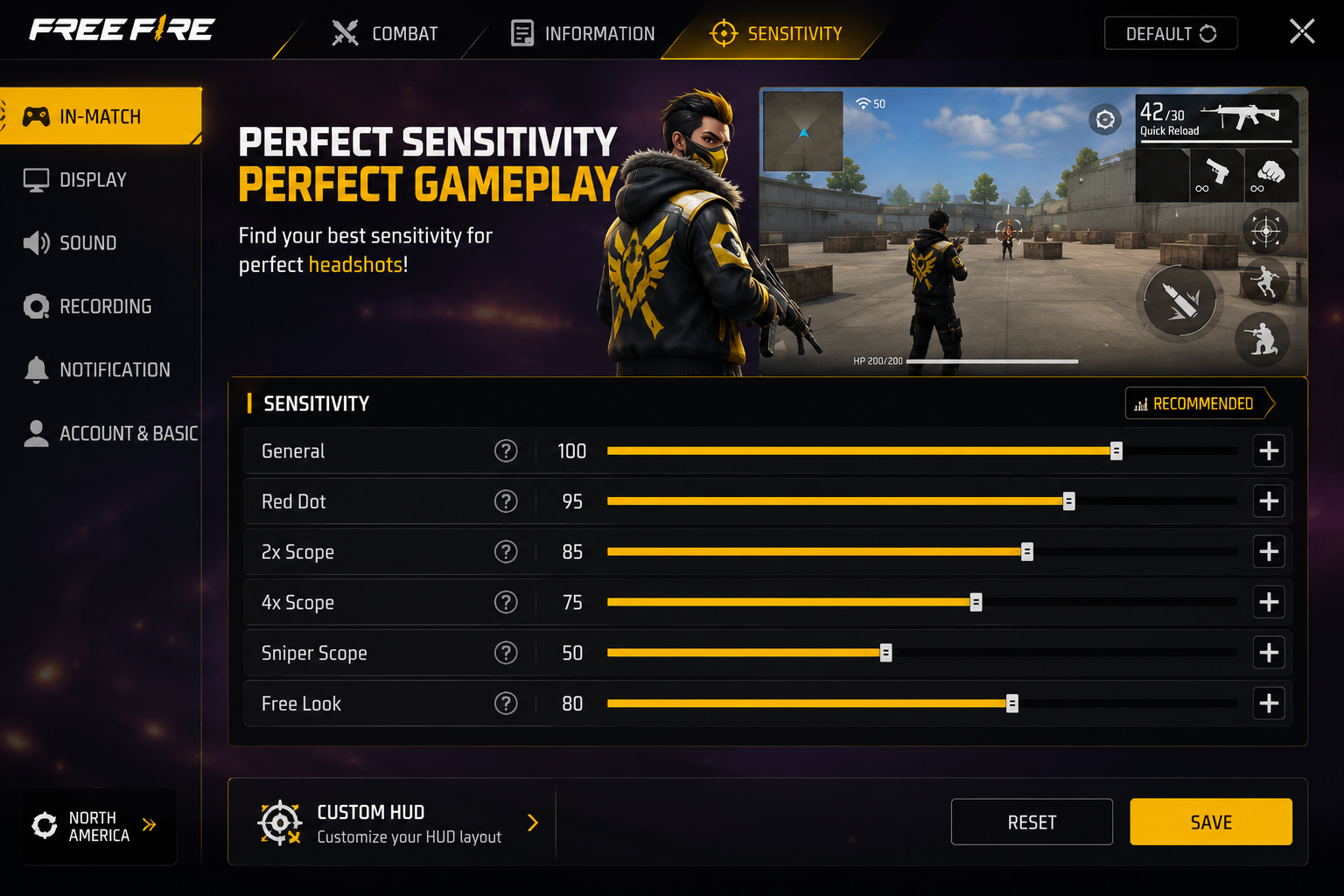
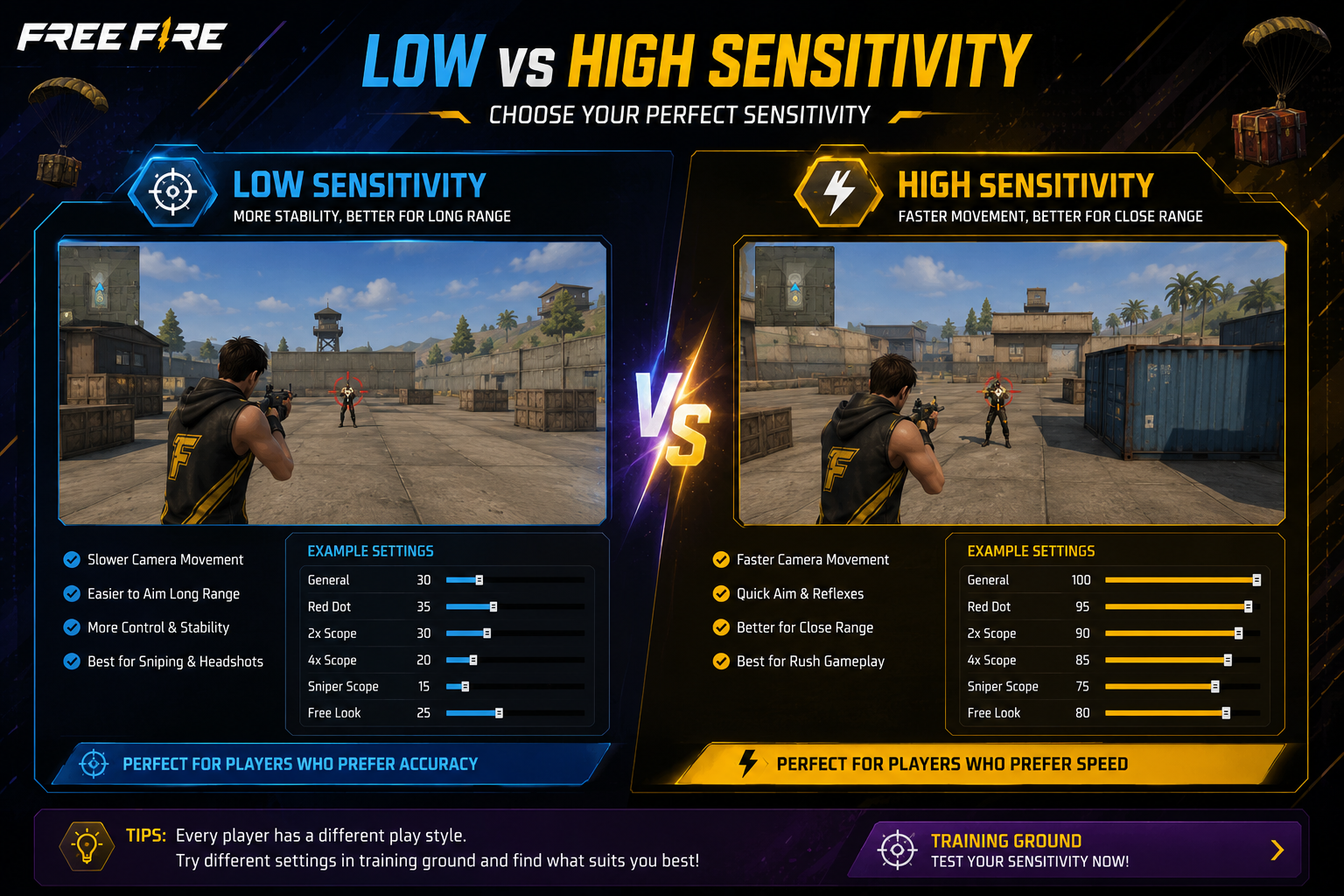
Sensitivity controls how fast your camera moves as you swipe. Too high and you overshoot every target; too low and you can't react in close fights. This guide gives you a starting baseline you can fine-tune.
General Baseline (Most Devices)
General
90–100
Red Dot
90–95
2x Scope
60–65
4x Scope
45–50
Sniper Scope
35–40
Free Look
100
Tip: Rushers can push general/red-dot higher; snipers should keep scope sensitivities lower for control.
Low-End Devices
General
75–85
Red Dot
80
2x Scope
55
4x Scope
40
Sniper
30
Lower sensitivity gives more frame-by-frame control, compensating for touch lag or frame drops.
Flagship / Gaming Phones
General
100
Red Dot
95–100
2x Scope
65–70
4x Scope
50–55
Sniper
40–45
Gyroscope: Worth Turning On?
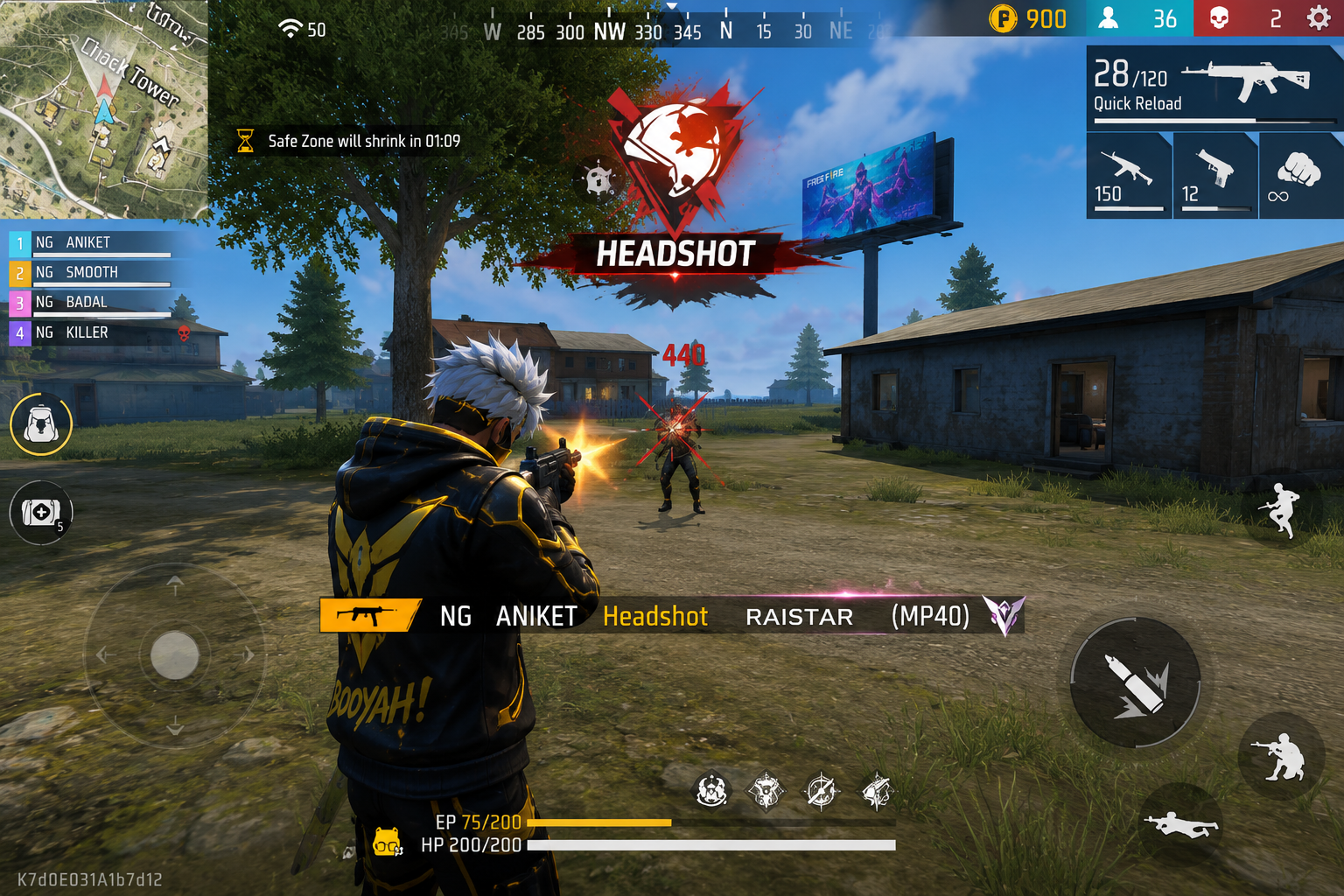
Gyroscope lets you fine-aim by tilting your phone, dramatically improving accuracy in mid-air and strafing fights. Start around 200–250 sensitivity and build muscle memory gradually in casual mode before ranked.
DPI, Touch & HUD
- Enable Touch Sampling Rate boost in gaming mode, if available
- Disable accidental-touch protection while playing
- Keep brightness moderate — extreme settings can cause micro-lag on some devices
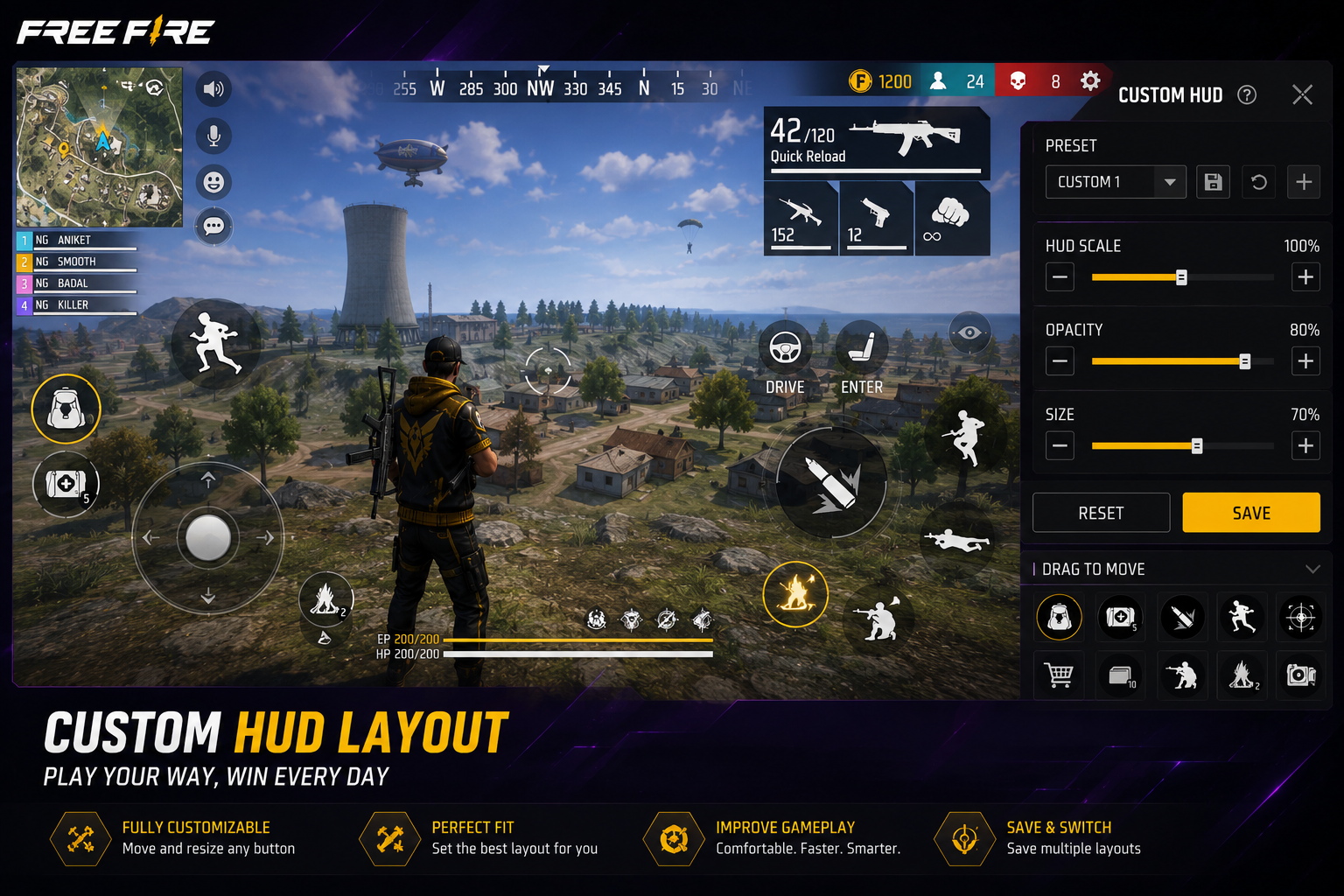
- Position fire, scope and jump buttons where your thumb rests naturally
Practice Habits That Actually Help
- 10–15 minutes daily in Training Ground on close-range spray control
- Review your own gameplay recordings to spot aim drift
- Practice vs harder bots to simulate faster reactions
- Adjust sensitivity in small increments — not all at once
Final Thoughts
There's no universal "best" sensitivity — it depends on your device, playstyle, and practice time. Use these as a baseline, tweak in small steps, and stick with your settings for a few weeks to let muscle memory build.